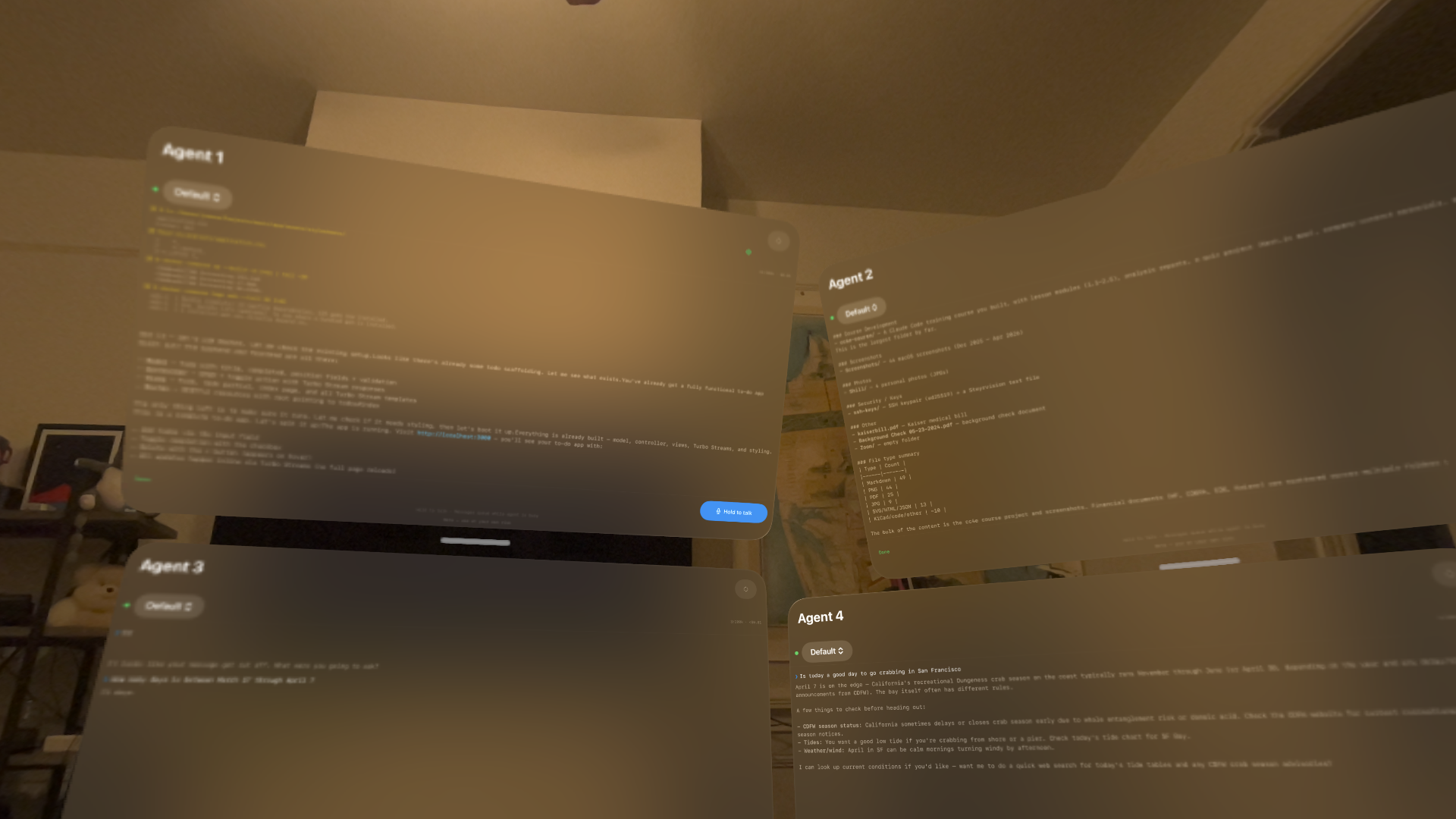
AI agents at your command. Spawn Claude-powered agents, talk to them with your voice, and watch them work in real-time in your spatial environment.
A voice-first, multi-agent interface designed from the ground up for Vision Pro.
Hold to talk. Your speech is transcribed and sent to the agent. Queue messages while the agent is busy.
Spawn as many agents as you need. Each runs in its own window — arrange them anywhere in your space.
Watch responses appear in real-time. See tool use, file reads, bash commands, and code generation as they happen.
Call the Anthropic API directly from Vision Pro. No Mac needed — just paste your API key and go.
Connect to your Mac via the Conjure Bridge for full Claude Code access — read files, write code, run commands.
API keys in Keychain. TLS encryption. PIN-based pairing. No telemetry. Everything stays on your devices.
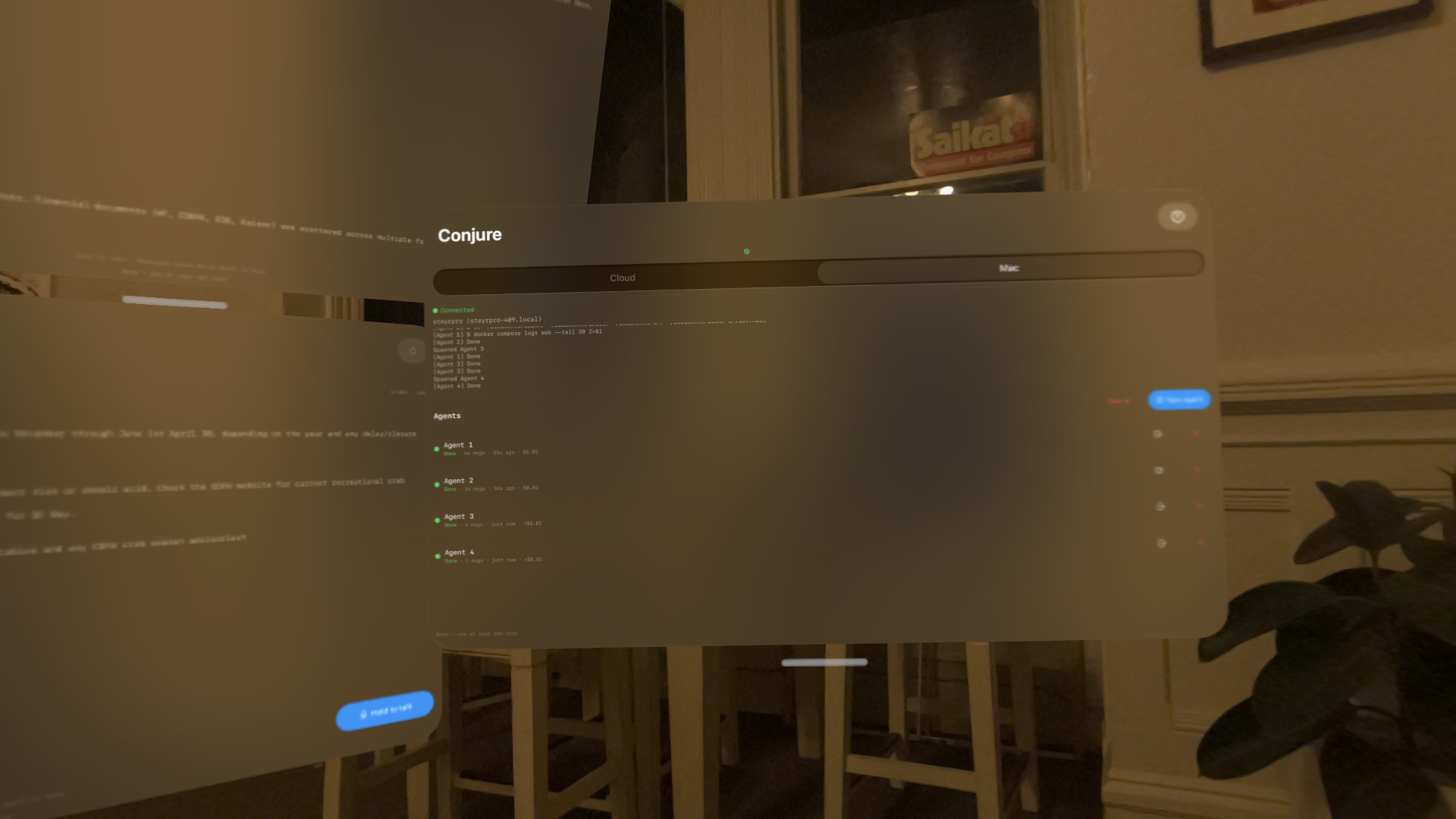 Dashboard with agent status, costs, and bridge log
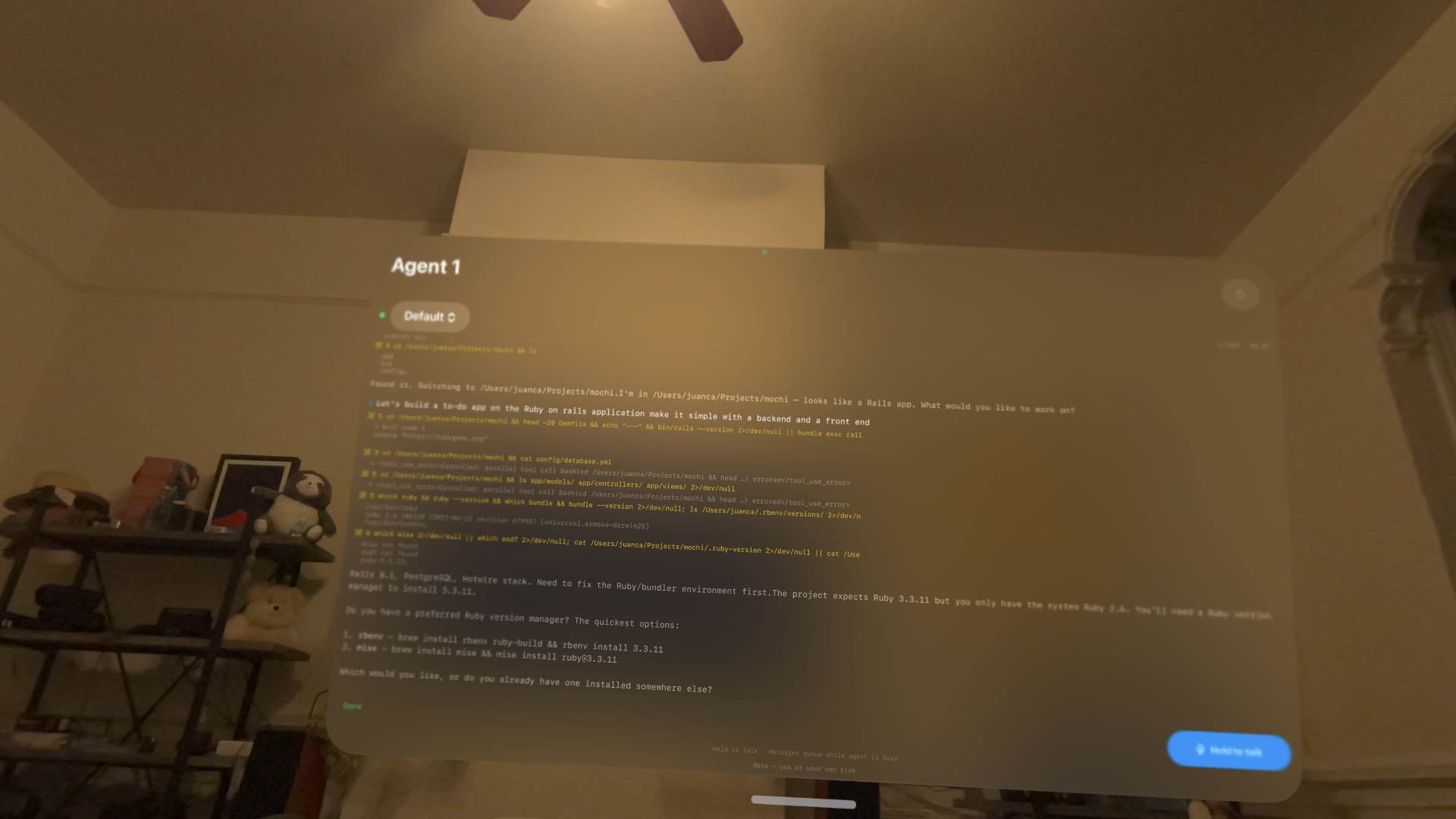 Agent using tools and responding with structured output
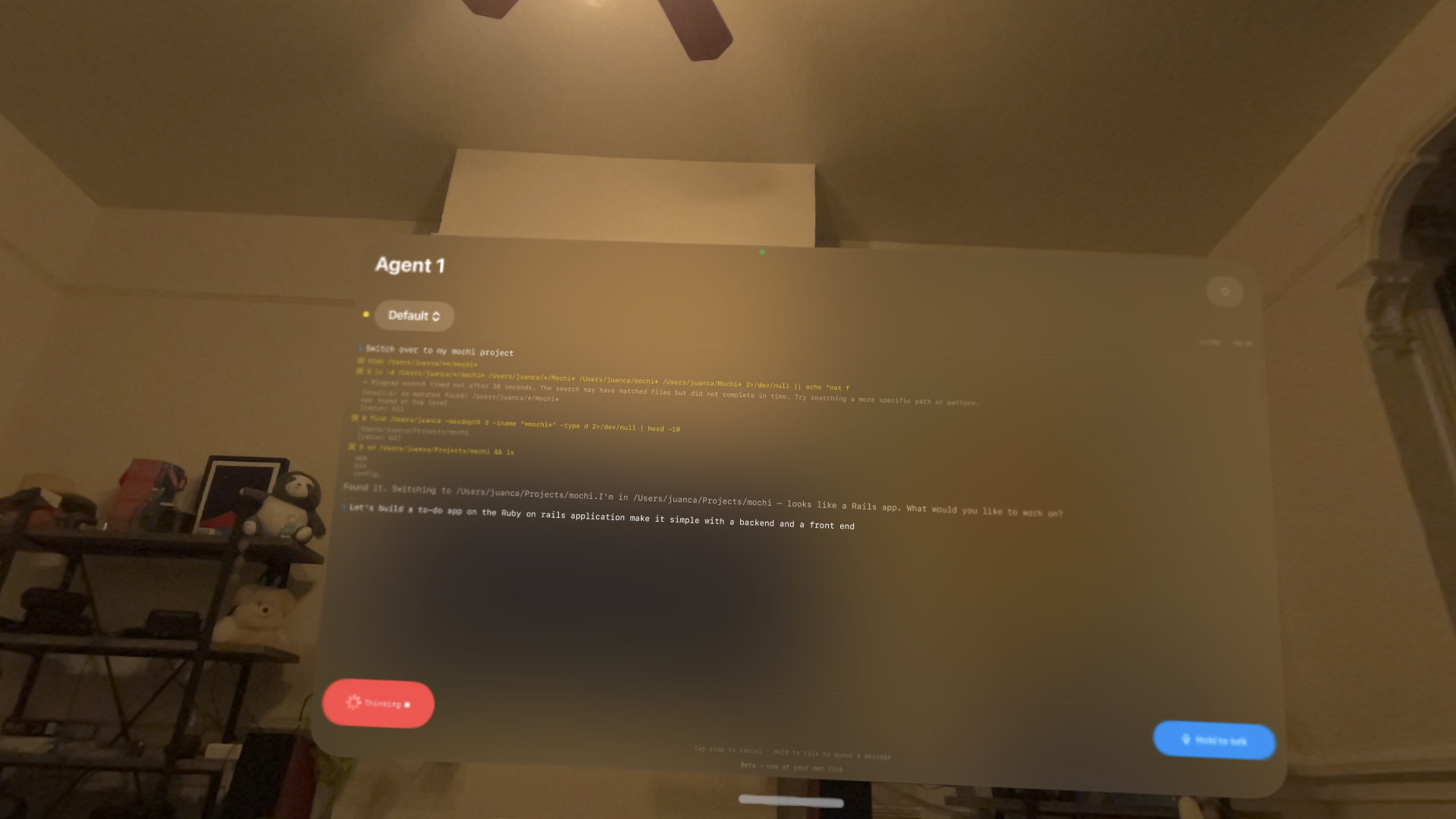 Voice message queued while agent is thinking
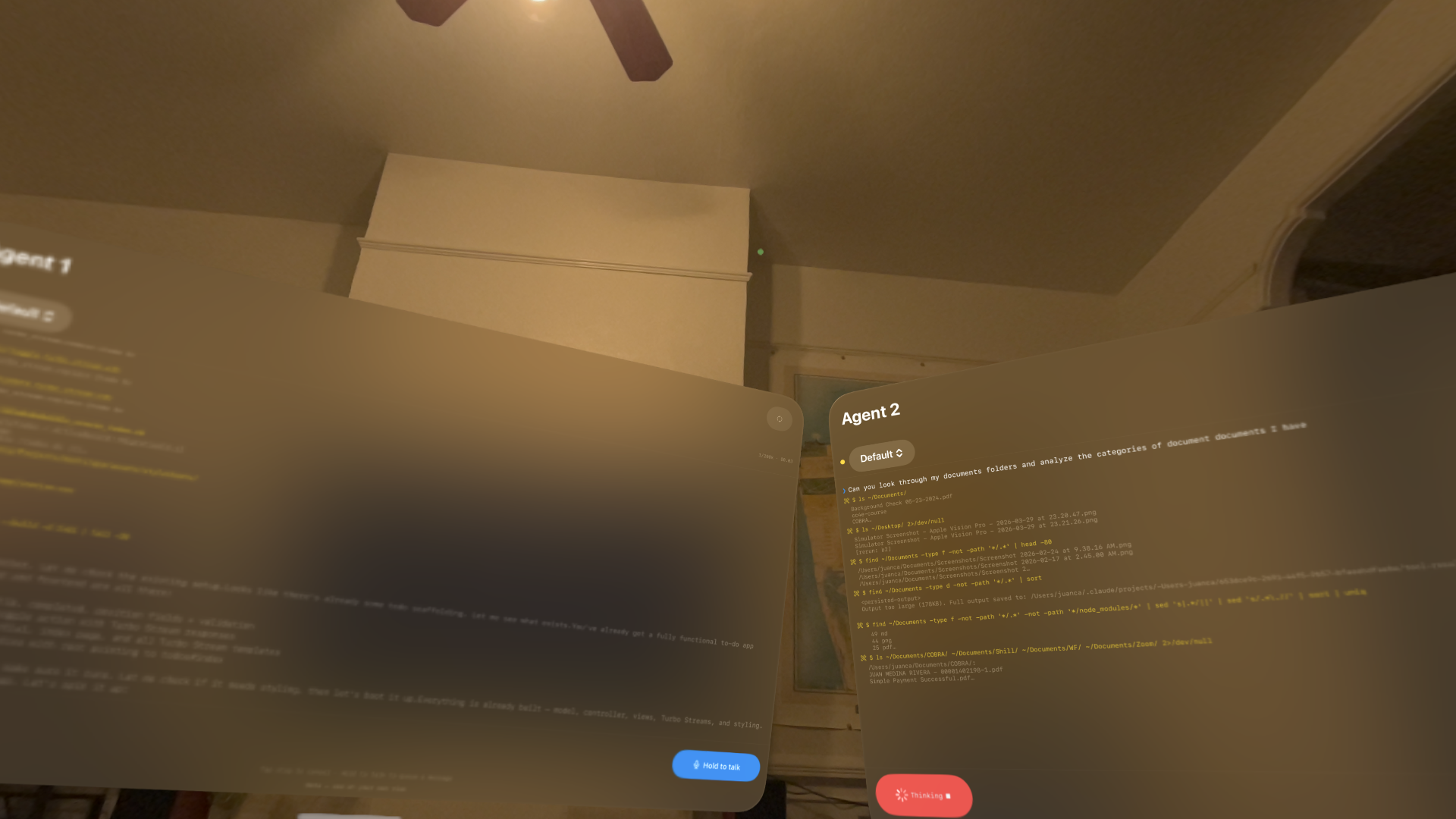 Two agents working on different tasks simultaneously
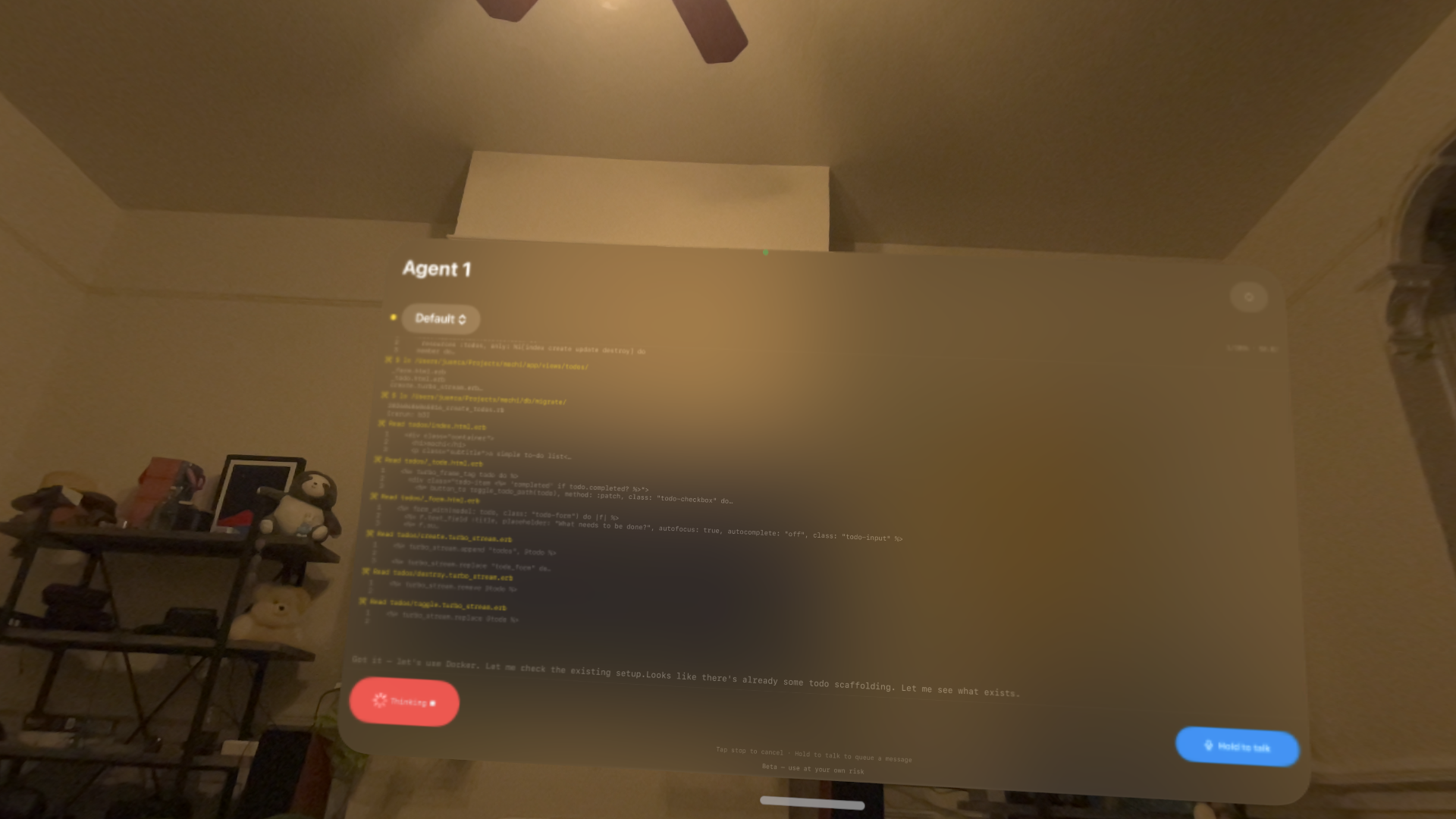 Agent generating Rails views, controllers, and Turbo Streams
Talk to Claude directly via the Anthropic API. Great for questions, brainstorming, and general assistance.
Connect to your Mac for full Claude Code power — file access, code generation, terminal commands.
A native macOS companion app that turns your Mac into a secure Claude Code server for Vision Pro.
TLS encryption, single-use PIN pairing, and brute-force lockout. Everything is encrypted in transit between your devices.
Devices on the same Apple ID pair automatically via iCloud Keychain. No PIN entry or certificate setup needed.
Vision Pro finds Bridge automatically on your local network via Bonjour. No IP addresses to remember.
Runs quietly in the menu bar. See connection status, copy the pairing PIN, and share certificates with one click.
Reconnect without losing context. Token-based sessions survive network drops and app restarts.
Watch tool calls, file reads, and code generation stream to your Vision Pro as they happen on your Mac.
Free, notarized for macOS. Apple-signed and ready to install.
Download Conjure Bridge